

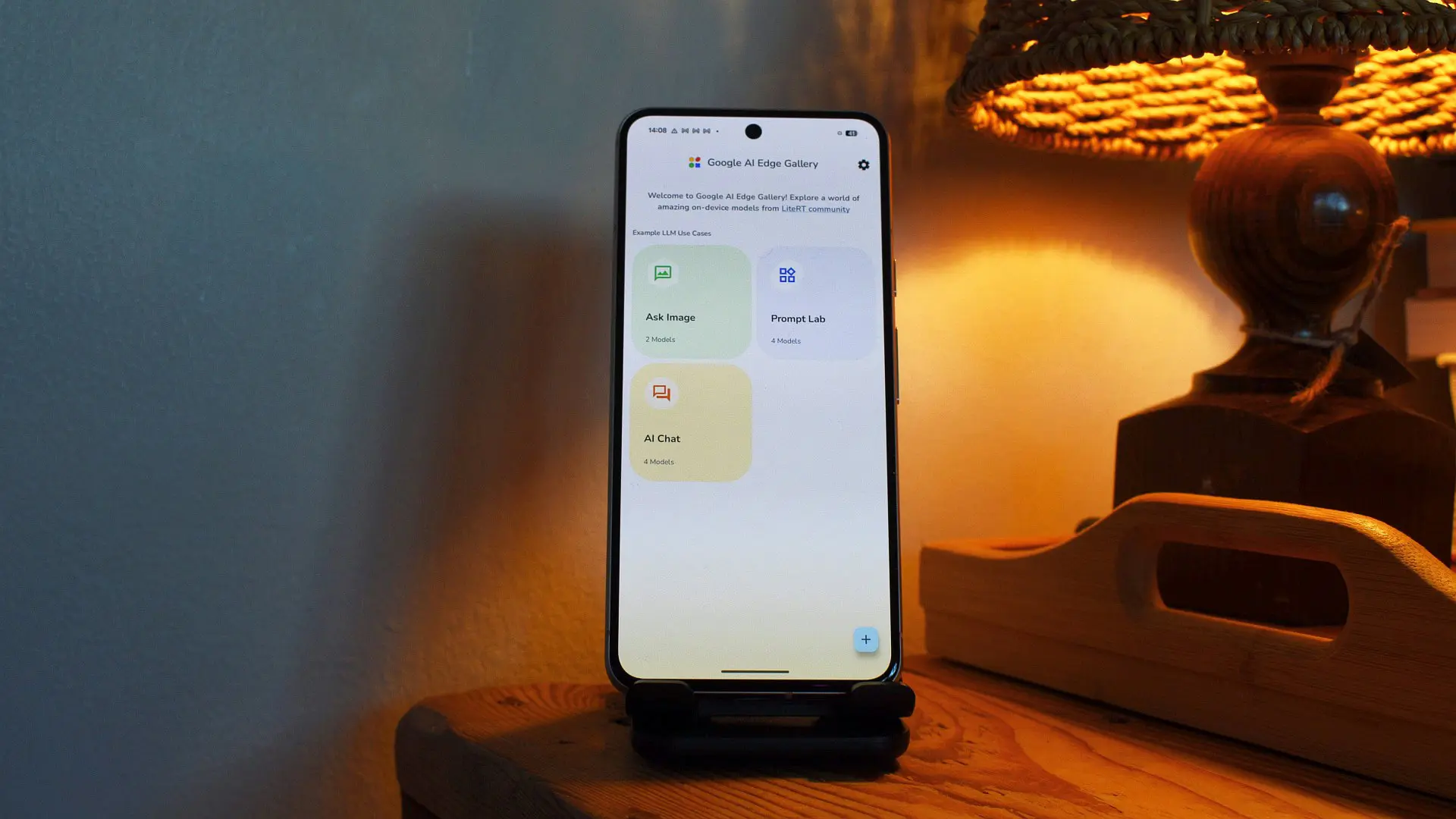
Google's AI Edge Gallery app, a hub for running AI models directly on your device without needing a cloud connection, just received a trio of substantial updates that significantly boost its utility. Announced during the Google I/O developer conference, these additions aim to close the gap between on-device and cloud-based AI assistants, offering users a more private yet powerful experience.
The most transformative feature is the integration of the Model Context Protocol (MCP). MCP is an open-source standard that provides a uniform way for on-device AI models to interact with external apps and services. With MCP servers that can be hosted locally on a home computer or remotely in the cloud, users can now connect their AI Edge Gallery chatbot to Google Workspace, Google Maps, or even a web MCP server. For example, your on-device agent can check your calendar for upcoming events, scan your email for bills or ticket confirmations, ask about nearby points of interest via Maps, or retrieve news from a specific URL. This bridges the gap between a standalone chatbot and a genuinely useful personal assistant that can act on real-time data.
Another major addition is the notification reminder functionality. Users can now tell the AI agent, “Remind me to log my mood every night at 10 PM,” and the app will schedule a local notification. When tapped, the notification opens directly to the relevant tool and launches a session with Gemma 4, Google's latest on-device large language model. This enables proactive routines such as a daily mood tracker, a morning digest that summarizes your calendar and schedule, or any other time-based nudge you can imagine. It transforms the app from a reactive query tool into a proactive companion that helps build habits and manage daily life.
The third upgrade is persistent chat history. Previously, each conversation in AI Edge Gallery was ephemeral; once you closed the app, the context was lost. Now, the app saves your entire conversation history, including any generated media like images or text outputs. This means you can resume a session exactly where you left off, making it practical for ongoing projects or research. For instance, if you were asking the AI to help draft a document over several days, the continuity is preserved without needing to re-explain your goals each time.
These features address common pain points for users who prefer on-device AI for privacy, offline availability, or lower latency. AI Edge Gallery was launched to let users download and run various AI models—from language models like Gemma to vision models—directly on their phones, eliminating the need to send data to Google's servers. With MCP integration, the app can now securely access personal data when permission is granted, while keeping the AI computation local. The notification system similarly runs entirely on-device, with no cloud dependency.
Google's emphasis on on-device AI comes at a time when competing platforms like Apple are also pushing local intelligence through their Neural Engine and on-device models. By open-sourcing protocols like MCP and providing a gallery of models, Google is positioning Android as a versatile platform for developers to build offline AI applications. The updates were part of a broader Google I/O showcase that highlighted advancements in Gemma, Project Astra, and other AI initiatives.
For users, the practical implications are significant. Imagine telling your phone to remind you to check traffic before leaving for work, and the AI uses the Maps MCP to pull up current travel times and suggest an alternate route—all without any data leaving your device. Or setting a weekly routine where the AI reviews your calendar and prepares a summary of action items. The mood tracking example also shows how the app can support mental wellness in a private manner, with all data stored locally.
From a developer perspective, MCP opens up a whole new ecosystem. Any third-party app can create an MCP server that exposes its functionality to on-device AI agents. This could lead to integrations with todo lists, note-taking apps, fitness trackers, or even smart home controllers. Google's decision to standardize this protocol lowers the barrier for innovation, as developers don't need to build custom APIs for each AI model.
The persistent chat history feature, while simple, is a game-changer for productivity. Previously, users had to manually note down key points or rely on external note-taking apps. Now, long-running conversations can be resumed, making the app suitable for complex tasks like brainstorming business plans, learning a new language with daily lessons, or managing a multi-step project.
Google has also included a poll in the original announcement to gauge user interest, with results showing that while only 14% use the app frequently, 43% are keen to try it. These updates could convert many of those curious users into regular adopters. The app is currently available on Android, and these features are rolling out with the latest update.
In summary, AI Edge Gallery is evolving from a mere model downloader into a full-fledged on-device personal assistant. The combination of MCP connectivity, proactive reminders, and persistent sessions means users no longer have to sacrifice functionality for privacy. As Google continues to refine its on-device AI offerings, this app could become a central piece of the Android experience.
Source: Android Authority News