

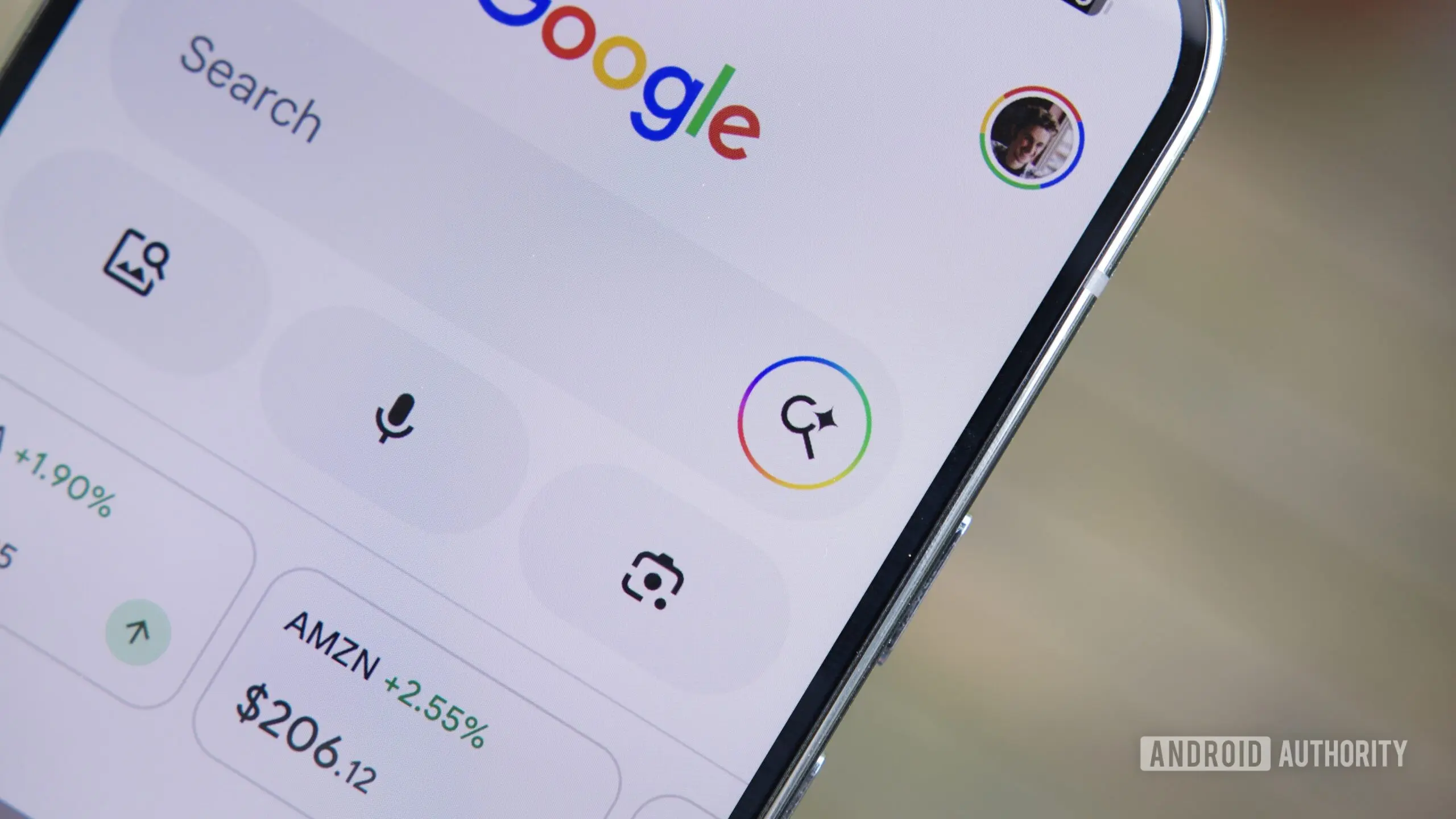
Google is introducing a significant enhancement to its Search experience on Android, aiming to reduce the friction users often encounter when navigating from search results to external webpages. The new feature, currently in testing, adds an 'Ask' button that appears in the custom tab window when you tap on a search result link. This button seamlessly transitions users into AI Mode, where the webpage is automatically attached as context for follow-up questions. The move is part of Google's broader effort to integrate artificial intelligence more deeply into its core search functionality, allowing users to interact with information in a more conversational and efficient manner.
The 'Ask' button addresses a common pain point: after clicking a link from Google Search, users often find themselves needing to perform another search or ask a question about the content they just opened. Previously, this would require navigating back to the search results or opening a new tab, which could be disruptive. With the 'Ask' button, Google eliminates that step. By tapping the button, users are taken to AI Mode with the webpage already loaded as context. They can then type or speak questions related to that page, such as 'What are the key takeaways from this article?' or 'How does this compare to other models?' This goes beyond simple summarization—it enables deeper analysis and clarification on demand.
This feature is distinct from the existing 'Summarize page' option in Google Gemini. While Gemini provides a concise overview, AI Mode with the 'Ask' button allows for dynamic, multi-turn conversations about the content. Users can ask follow-up questions, request specific details, or even ask the AI to explain complex terms. For example, if a user opens a technical review of a smartphone, they could ask 'What is the battery life like in real-world usage?' and then 'How does that compare to the previous generation?' The AI retains the webpage context throughout the session, making the interaction fluid and natural.
How the 'Ask' Button Works
When you tap a search result on Google Search for Android, it opens in a custom tab within the Google app. At the top of this tab, next to the URL bar, you'll see a new 'Ask' button, depicted as a small speech bubble with a plus icon. Tapping this button immediately switches the interface to AI Mode, where the webpage URL is automatically attached as context. A text input field appears, allowing you to type your question. After submitting, the AI generates an answer based on the webpage content, and you can continue the conversation. To return to the original webpage, simply tap the downward arrow in the top-right corner of the AI Mode interface.
This feature is currently being tested in the Google app for Android, version 17.24.25 and later. It was first spotted by Telegram user @Eopaque, and confirmed by Android Authority editors who were able to activate it on their devices. The rollout appears to be server-side, meaning not all users will see it immediately, even with the updated app version. It's likely that Google is gradually enabling the feature for A/B testing to gauge user engagement and refine the experience before a wider release.
Integration with Chrome and AI Mode
Interestingly, a similar capability already exists in Chrome for Android. In Chrome's AI Mode, users can tap a '+' icon to add the current tab as context for a new query. This allows for the same seamless transition between browsing and AI-assisted querying. The new 'Ask' button in Google Search essentially brings that same convenience to the search app, making it accessible even when users are not in Chrome. This cross-platform consistency is a smart move by Google, ensuring that the AI experience is cohesive whether you're using the search app or the browser.
Beyond webpage context, Google is also testing additional attachment options for AI Mode in the Google app. Evidence suggests that users will soon be able to attach files saved locally on their Android device, as well as documents from Google Drive. These options would appear when initiating a query in AI Mode, alongside the existing web context feature. While not yet live, these capabilities were activated by fiddling with the Google app's configuration, indicating that the backend infrastructure is ready. Interestingly, Chrome's AI Mode already supports file attachments, so the Google app is catching up.
The ability to attach files from Drive is particularly powerful, as it allows users to ask questions about their own documents, spreadsheets, or PDFs without needing to open them. For instance, a user could ask, 'Summarize the budget proposal from the Q3 meeting notes,' and the AI would generate an answer based on the attached file. This moves AI Mode beyond web content and into personal productivity, potentially competing with dedicated AI assistants like Google's own Gemini or third-party tools.
Implications for User Experience and Search
The introduction of the 'Ask' button represents a shift in how Google envisions search. Rather than just providing links to information, Google is increasingly acting as an intermediary that can analyze and summarize content on behalf of the user. This reduces the need to fully read articles or documents, saving time but also raising questions about engagement and comprehension. For publishers, this could change traffic patterns, as users might rely on AI-generated answers rather than visiting the original webpage. However, Google has emphasized that the feature is designed to complement, not replace, reading. The 'Ask' button is optional, and returning to the webpage is just one tap away.
From a technical standpoint, the feature leverages Google's advanced language models, likely a variant of Gemini, to process the webpage content and generate responses. The model must understand the context of the entire page, handle long-context windows, and provide accurate answers. This is a significant challenge, especially for complex or lengthy articles. Google's ongoing investment in AI research suggests that performance will continue to improve.
The testing period will be crucial. User feedback will help Google refine the interface, ensure accuracy, and address any privacy concerns. Since the AI processes the webpage content in real-time, there may be considerations about data handling and user consent. However, as the feature is built into Google's own app and uses first-party AI, it likely follows existing privacy policies.
Looking ahead, it's plausible that the 'Ask' button could expand to other platforms, such as iOS or even desktop search. Google has already integrated AI Mode into Chrome on desktop, so a unified experience across devices seems logical. Additionally, the attachment options for files and Drive suggest that Google is aiming to create a comprehensive AI assistant that can handle both web content and personal documents, blurring the line between search and productivity tools.
In the broader context of AI in search, Google's move is part of a trend seen across the industry. Microsoft's Bing has integrated OpenAI's models, and smaller competitors like Perplexity AI offer conversational search. Google, however, has the advantage of massive user base and deep integration with Android. The 'Ask' button could become a hallmark feature of Google Search on mobile, especially as users become more accustomed to interacting with AI in their daily digital routines.
For now, the feature is limited to Android and requires the latest version of the Google app. Users who want to try it can update their app and look for the 'Ask' button when opening a search result. As with any A/B test, it may take time before a broad rollout. The potential is clear: a more intuitive, conversational search experience that saves users time while providing deeper insights. Whether it becomes a permanent addition will depend on how well it performs in the real world.
Source: Android Authority News