

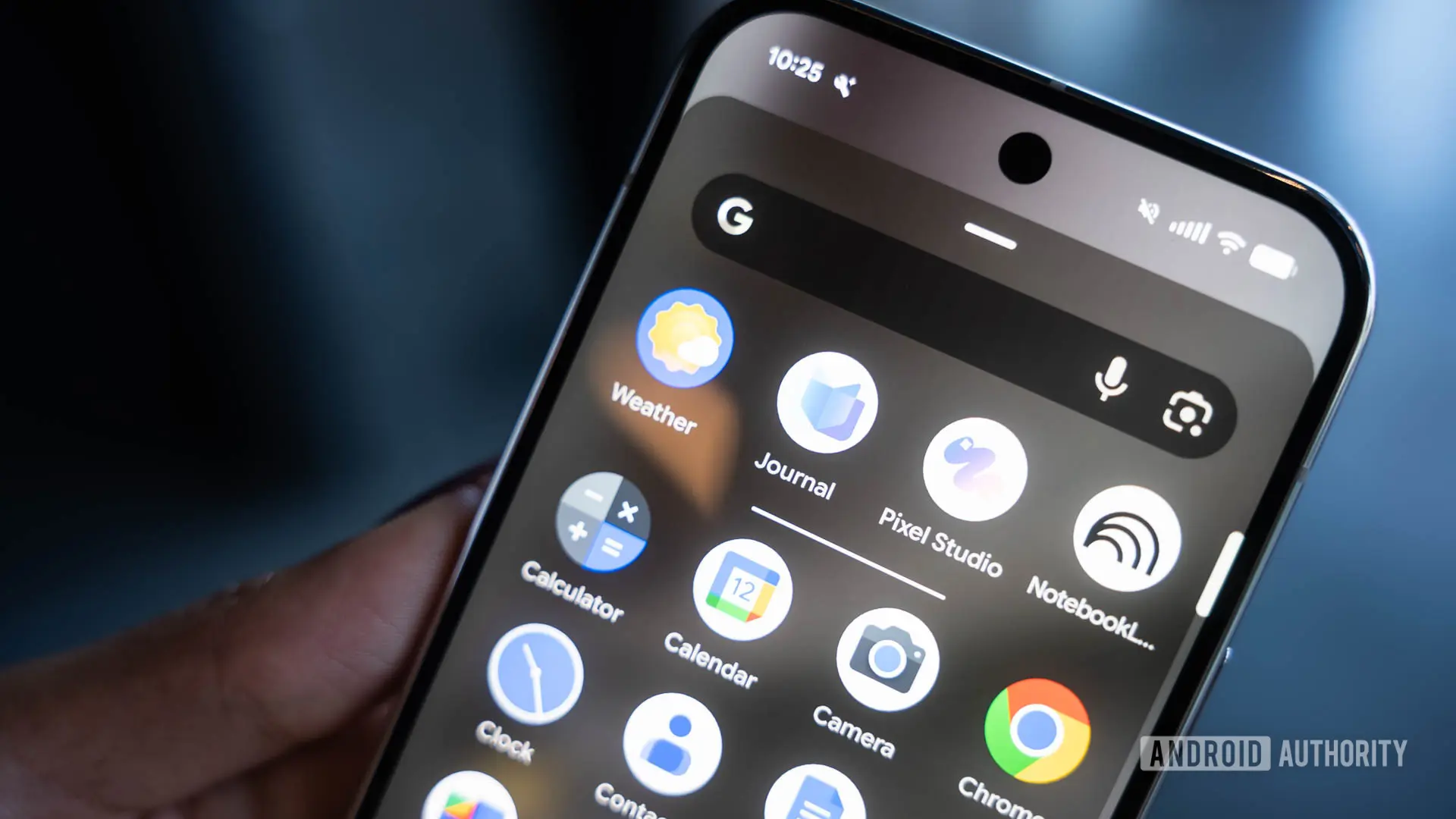
Pixel Journal is still a relatively new addition to Google's Pixel lineup, and the company is continuing to refine it. The latest version of the app is rolling out with several useful quality-of-life improvements, while evidence under the hood points to an AI-powered Auto format feature that may arrive in a future release.
Here are the key facts:
- Pixel Journal is rolling out customizable reminders, media layouts, safer deletion, and Health Connect sleep data support.
- Google is developing an AI-powered Auto format feature to clean up journal entries after writing or dictating.
- A teardown reveals Simple and Expressive formatting modes, each with a minimum word count requirement.
What's new in this update
The latest Pixel Journal version brings changes that were initially spotted in a March teardown. Customizable reminder times and new Compact and Full layouts for photos and videos were both in development at the time, and they are now available to all users.
The reminder controls allow users to choose whether Pixel Journal sends a prompt in the morning, afternoon, or evening, with approximate times of 7 AM, 2 PM, and 9 PM. This flexibility is welcome for people who prefer to journal at a specific time of day, rather than being tied to a single default notification.
The media setting lets users switch between a Compact arrangement, which groups images together, and a Full layout, which gives individual photos and videos more space. The choice can make a meaningful difference in how a journal entry looks, especially for entries that include multiple images or video clips. The Compact layout is useful for quickly scrolling through an entry, while the Full layout is better for savoring visual memories.
Safer deletion and undo
There are also a couple of changes that were not previously spotted. The first adds friction when deleting an entry. Previously, Pixel Journal would delete an entry immediately after tapping Delete, with no confirmation and no way to recover it. The updated behavior first asks for confirmation, then offers a brief Undo option for about five to ten seconds afterward.
Given the personal nature of journal entries, this extra safety net seems overdue. It is easy to accidentally tap the wrong button, and losing a written memory can be distressing. The confirmation prompt and undo option give users peace of mind and bring Pixel Journal in line with the deletion patterns used by many other apps.
Health Connect sleep data
Pixel Journal is also expanding the Health Connect data it can use for personalized writing inspiration. The app can already make use of activity information, such as exercise and other physical activity. It will now ask for permission to read sleep data as well. Health Connect treats Activity and Sleep as separate data categories, so granting access to one does not automatically grant access to the other.
If users allow the new permission, Pixel Journal could use sleep information alongside other data when suggesting things to write about. Sleep quality is a common journal topic, and integrating it with writing prompts could help users reflect on how rest affects their mood, energy levels, and overall productivity. The opt-in nature of the permission also ensures that users who prefer not to share sleep data can keep that information private.
Auto format feature in the works
In addition to the features rolling out now, a teardown has revealed evidence of an AI-powered Auto format feature in development. Strings in the app reference a feature called “Auto format,” with additional strings hinting at how it may work. The key strings found include:
- Auto format
- Once you’re done speaking or typing, auto format can clean up your entry
- Expressive
- Simple
- You need to write at least {count} words to auto format an entry in expressive mode.
- You need to write at least {count} words to auto format an entry in simple mode.
The wording suggests that AI will step in after an entry is completed to tidy up what was written or dictated. Two distinct modes appear to be planned: Simple and Expressive. While Google has not spelled out the exact differences, the names offer clues. Simple mode could stick closely to the original wording while cleaning up structure or presentation. Expressive mode might take more creative liberty, potentially adding richer language or stylistic flourishes to make the entry more vivid.
Another pair of strings indicates that users will need to write a minimum number of words before Auto format can be used, with separate thresholds for Simple and Expressive modes. The exact minimums are not yet known. A plausible reason for this restriction is that the AI may need sufficient context to meaningfully reorganize or polish an entry without hallucinating or adding excessive embellishment to a one-line entry.
Context: Pixel Journal's evolution
Pixel Journal has been part of Google's Pixel ecosystem for only a short time, but the app has already seen several rounds of updates. It is designed to help users reflect on their day through writing prompts, mood tracking, and multimedia entries. The app integrates with Google's AI technologies to suggest topics and provide inspiration, making it more than just a simple note-taking tool.
Journaling has become increasingly popular as people look for ways to manage stress, track personal growth, and preserve memories. Digital journaling apps offer advantages over traditional paper journals, including searchability, multimedia support, and the ability to sync across devices. Pixel Journal aims to combine these benefits with the tight hardware and software integration that Pixel devices are known for.
The addition of sleep data and the potential Auto format feature reflect a broader trend in digital wellness. Apps are increasingly using contextual data and AI to help users make sense of their lives. By offering personalized prompts based on activity and sleep, Pixel Journal can help users notice patterns in their behavior and emotions.
How Auto format could change journaling
If Auto format ships as expected, it could make journaling more accessible to people who struggle with writing. Dictated entries often contain filler words, false starts, and awkward phrasing. Auto format could clean those up automatically, producing a polished entry without requiring users to spend extra time editing.
The potential distinction between Simple and Expressive modes is particularly interesting. Simple mode could be ideal for users who want a clean, straightforward record of their day. Expressive mode could appeal to users who enjoy more literary or creative writing and want their journal entries to feel more like crafted prose. Having both options would allow users to choose the level of transformation that suits their preferences.
The minimum word count requirement could serve several purposes. It may prevent the AI from making unnecessary changes to very short entries, where there is little context to work with. It could also encourage users to write more substantial entries, which in turn gives the AI more material to shape. However, the thresholds could also be a limitation for users who prefer brief, bullet-point style journaling.
There are also open questions about privacy and data handling. When an entry is processed by AI, the text may need to be sent to Google's servers for analysis. Users who are concerned about privacy might prefer to keep journal entries on-device. Google has not yet detailed how Auto format will handle data, but the company generally offers transparency and control for AI features.
Potential impact on daily journaling habits
The new reminder controls, media layouts, and deletion safeguards show that Google is paying attention to the fundamentals of the journaling experience. A journaling app needs to be easy to open, reliable, and safe to use. The reminder system helps build a habit, while the media layouts make entries more visually appealing. The deletion safeguards protect users from accidental loss.
Sleep data integration adds another layer of personalization. Many people find that their quality of sleep affects their outlook, energy, and motivation. By incorporating sleep data into writing prompts, Pixel Journal can help users connect their physical state to their emotional state. This could lead to more meaningful entries and a better understanding of personal patterns.
The Auto format feature, if released, could reduce the friction that comes with turning raw thoughts into a well-structured entry. It is common to jot down ideas quickly, especially at the end of a busy day, and the result is often messy. Auto format could transform that mess into something readable and organized, making the journal more useful to look back on.
Feature comparisons and expectations
Pixel Journal faces competition from a range of journaling apps, including Day One, Apple Journal, and various third-party options. Day One is known for its polished design and extensive features, while Apple Journal benefits from deep integration with iOS and privacy-focused on-device processing. Pixel Journal's strengths include tight integration with Google services, AI-powered prompts, and the ability to use Health Connect data.
The upcoming Auto format feature could give Pixel Journal an edge, as few journaling apps offer automatic formatting powered by generative AI. If it works well, it could save users significant time and encourage more consistent journaling. The feature is not guaranteed to reach a stable release, as evidenced by the fact that it is still in development, but the presence of in-app strings strongly suggests that Google is actively working on it.
Google has a history of experimenting with AI features in its apps, and some experiments never make it to public release. However, the company has also been accelerating its AI efforts across products, including Pixel phones, Google Workspace, and Android. It would not be surprising to see Auto format appear in Pixel Journal within the coming months.
What to expect next
As Pixel Journal continues to evolve, users can likely expect more updates that combine AI with practical improvements. The current rollout includes the reminder controls, media layouts, deletion safeguards, and sleep data support. The next major update could bring Auto format, assuming the feature clears internal testing and development.
There are still many unknowns about Auto format, including the exact word count thresholds, the availability of Simple and Expressive modes, and whether users will be able to customize how aggressively the AI edits their writing. Google may also choose to offer the feature as an optional setting, so users who prefer to keep their original text can do so.
For now, the rolling update delivers a set of solid improvements that make Pixel Journal more flexible and safer to use. Reminder controls and media layouts give users more control over how they interact with entries, while the deletion confirmation and Undo option protect against mistakes. Sleep data integration expands the app's ability to generate relevant writing prompts.
If the AI Auto format feature reaches a stable release, it could be one of the most significant updates to Pixel Journal since its launch. The combination of dictation support, cleanup, and stylistic modes could make the app a compelling choice for anyone who wants to maintain a journal without spending a lot of time on editing. As always, features found in a teardown are not guaranteed to appear in a public release, but the evidence suggests the feature is well on its way.
Source: Android Authority News