

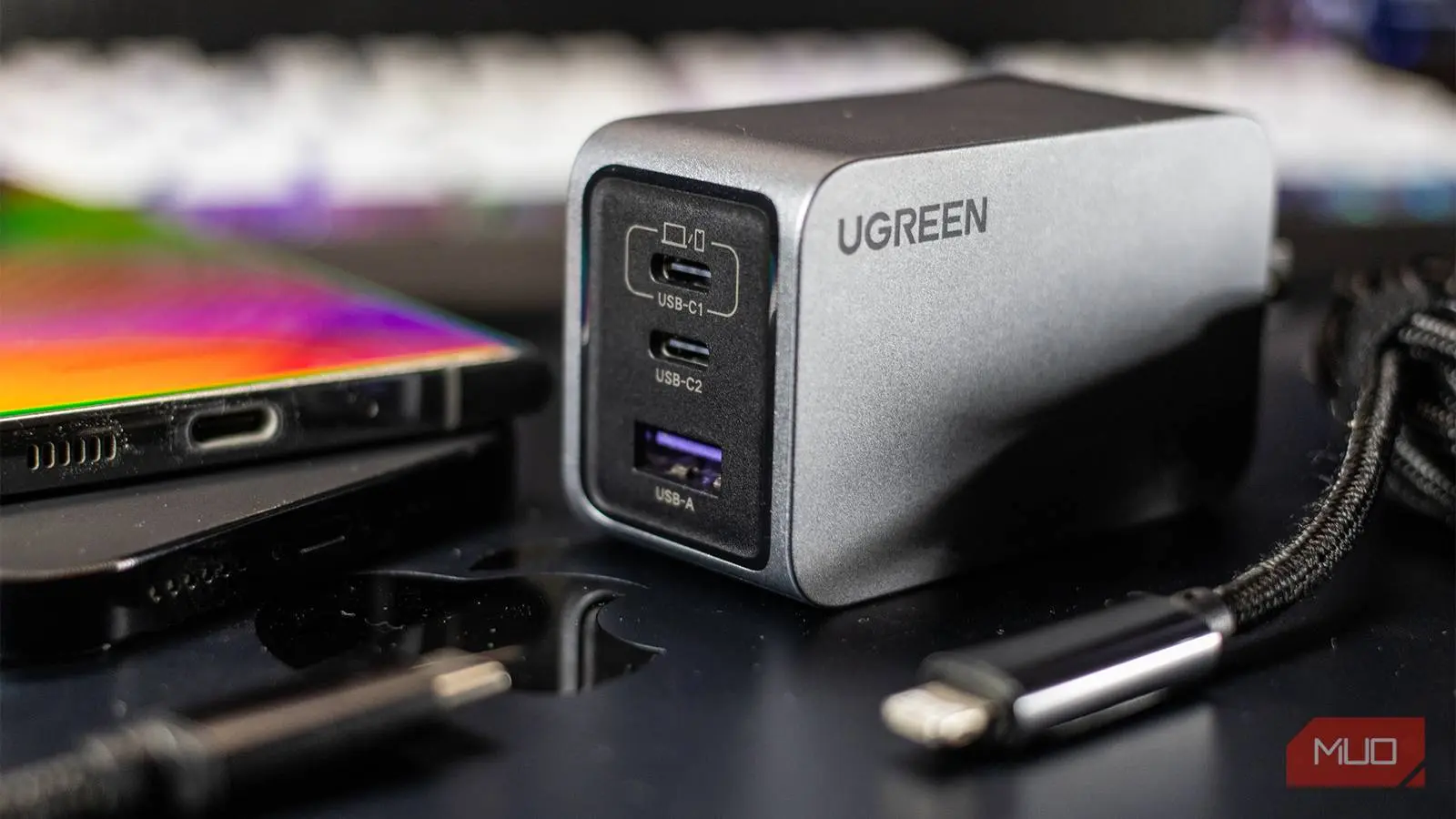
Not too long ago, every new phone came with a charger in the box. You simply used that charger and never thought twice. But today, with many brands omitting the power brick, you have to buy one yourself. And if you have browsed the shelves or online listings recently, you have probably been overwhelmed by terms like USB Power Delivery (PD), Programmable Power Supply (PPS), Qualcomm Quick Charge (QC), and Gallium Nitride (GaN). Each acronym seems to promise something different, and it can be difficult to tell what actually matters for your device.
This article breaks down these terms in plain English. We will also explore why raw wattage alone does not guarantee faster charging, how the cable plays a crucial role, and what to look for when buying a charger today. Whether you are charging a flagship phone, a tablet, or a laptop, understanding these fundamentals will help you make a smarter purchase and avoid wasting money on specs that do not benefit you.
Why Charger Shopping Has Become Confusing
The shift from USB-A to USB-C was supposed to simplify things — but it didn’t
In the past, you only needed to match the plug shape: micro-USB or Lightning. Then USB-C arrived, aiming to be a universal connector. And in many ways it is: almost every modern Android phone, many laptops, tablets, and even accessories now use USB-C. But the problem is that while the port looks the same, the underlying charging protocols and power capabilities vary widely across devices and chargers.
A charger labeled with USB-C could deliver anywhere from 5 watts (slow trickle charge) to 240 watts (for some high-power laptops). The connector alone tells you nothing about the speed or safety of the charge. That is why a plethora of standards and marketing terms have emerged to describe what a charger can actually do.
The Key Charging Terms Demystified
USB Power Delivery (USB PD): The universal standard
USB Power Delivery, often abbreviated as USB PD or USB-C PD, is a charging protocol developed by the USB Implementers Forum. It allows the charger and the device to communicate and negotiate the optimal power level — both voltage and current — for safe and efficient charging. Instead of simply pushing a fixed voltage, a USB PD charger can dynamically adjust its output. For example, a 65W PD charger can supply 5V/3A (15W) for a pair of earbuds, 9V/3A (27W) for a smartphone, 15V/3A (45W) for a tablet, and 20V/3.25A (65W) for a laptop. This flexibility makes USB PD the backbone of modern fast charging. Almost every new Android phone, iPad, MacBook, and many Windows laptops support it. When shopping for a new charger, USB PD compatibility is the first thing you should check, because it ensures the broadest device support.
Programmable Power Supply (PPS): Fine‑tuning for better battery health
Programmable Power Supply is an enhancement of USB PD. While standard PD adjusts voltage in fixed steps (e.g., 5V, 9V, 15V, 20V), PPS allows adjustments in very small increments (as low as 20mV). This continuous voltage regulation means the charger and device can find the ideal voltage for the battery’s current state, minimizing heat generation. Heat is one of the biggest enemies of lithium‑ion battery longevity, so PPS helps preserve battery health over time. PPS is especially common in newer Samsung and Google phones, but it is also used by some other manufacturers. If you own a device that supports PPS, buying a PPS‑compatible charger will give you both fast charging and better long‑term battery condition.
Qualcomm Quick Charge (QC): Proprietary, but still widespread
Qualcomm’s Quick Charge is a proprietary technology built into many smartphones that run on Snapdragon processors. Over the years, it has evolved through several versions — QC 2.0, QC 3.0, QC 4.0+, and the latest QC 5. Each version increases potential wattage and efficiency. Quick Charge 3.0 introduced Intelligent Negotiation for Optimum Voltage (INOV) to reduce heat. QC 4.0+ and QC 5 added support for USB PD and PPS as well, making them backward‑compatible. While QC is not as universal as USB PD, many mid‑range and budget Android phones still rely on it. If your phone has a Snapdragon chipset, a Quick Charge capable charger will provide optimal speeds. However, be aware that QC chargers often do not enable the fastest speeds on non‑Qualcomm devices.
Gallium Nitride (GaN): The material that shrinks chargers
Unlike the previous terms, GaN is not a charging protocol — it is a semiconductor material. Traditional chargers use silicon transistors, which lose efficiency as they heat up, requiring larger heatsinks and bulkier enclosures. Gallium Nitride can handle higher voltages and currents while generating less heat, and it switches at higher frequencies. The practical result is a charger that is significantly smaller and lighter than a silicon‑based equivalent with the same power rating. For example, a 65W silicon charger might be the size of a brick, whereas a 65W GaN charger can be about half the size, fitting easily into a pocket. GaN chargers also tend to run cooler, which improves safety and longevity. Over the past few years, GaN technology has become mainstream, and many reputable brands now offer compact GaN chargers that are ideal for travel.
Other proprietary protocols: SuperVOOC, TurboPower, Dash Charge, and more
Many phone manufacturers have developed their own fast‑charging systems to differentiate their products. Examples include OPPO’s SuperVOOC (up to 240W), OnePlus’ Warp Charge, Huawei’s SuperCharge, Motorola’s TurboPower, and Xiaomi’s HyperCharge. These proprietary protocols often require both the charger and the phone to be from the same brand to achieve the maximum advertised speeds. In some cases, the cable must also be proprietary. If you use a standard USB PD charger with such a phone, it will typically fall back to a lower speed — often common USB rates like 10W or 15W. Therefore, if you own a phone with a proprietary fast‑charging system, your best option is to buy the official charger from the same manufacturer, or a third‑party charger that specifically advertises compatibility with that protocol.
Why Higher Wattage Doesn’t Always Mean Faster Charging
Your phone decides how much power it can take
One of the biggest misconceptions about chargers is that a higher wattage brick will charge your phone faster. In reality, the phone (or any device) has a built‑in maximum charging rate. For example, if your phone maxes out at 25W, connecting it to a 100W charger will not make it charge any faster — it will still draw only 25W. The charger must only support the voltage and current that the phone requests. So a 25W phone does not benefit from a 45W charger unless the phone can negotiate a higher speed via a protocol like PPS. Always check your phone’s official specifications to know its maximum charging wattage and the protocols it supports.
Multi‑port chargers share power between devices
Another common pitfall is assuming that a multi‑port charger can deliver the maximum wattage to all ports simultaneously. Most chargers have a shared power budget. For instance, a 65W dual‑port charger might deliver 45W on the USB‑C port when alone, but only 20W on each port when both are used. If you plug in a laptop and a phone, the laptop might get 45W while the phone gets 20W. The exact distribution depends on the charger’s design. When buying a multi‑port charger, read the fine print that shows power distribution tables. If you frequently charge multiple high‑power devices at once, consider a charger with a higher total wattage or one that uses dynamic power allocation intelligently.
The Role of the Charging Cable
A weak cable can bottleneck everything
Even if you have the perfect charger and phone, a substandard cable can ruin the experience. USB‑C cables come with different capabilities: some are rated for only 3A (60W) while others can handle 5A (100W) or even 240W under USB PD 3.1. If your charger and phone support 65W charging, but your cable is only rated for 3A at 20V (which is 60W), you may still get slower charging or the charger may cap the power to protect the cable. Additionally, cables that are not properly certified might lack the necessary e‑marker chip that tells the charger what they can handle. It is always wise to use a cable that is USB‑IF certified and has a current rating equal to or higher than your charger’s maximum output. Many flagship phones still include a decent cable in the box, but if you buy a spare, invest in a quality cable from a reputable brand — not a cheap unbranded one that could overheat or fail.
The Rise of Universal Charging: USB PD 3.1 and Beyond
What the future holds
The charging landscape continues to evolve. USB PD 3.1, finalized in 2021, extends the maximum power to 240W at 48V, opening the door to charging even power‑hungry gaming laptops and monitors. This specification also introduces Extended Power Range (EPR), which requires cables with thicker gauge wire and special EPR markers (on the connector itself). Meanwhile, many new chargers integrate both GaN and PPS to provide compact size and advanced voltage control. As more devices adopt PD 3.1, the need for proprietary chargers may diminish, but for now, compatibility checks are still necessary. Another trend is the increasing adoption of “universal” chargers that support multiple fast‑charging standards — for example, a GaN charger that works with USB PD, QC, and SuperVOOC on specific ports. These are excellent for households with diverse devices.
Final Practical Advice for Buying a Charger
When you are ready to purchase a charger, follow these steps. First, know your phone's maximum charging wattage and supported fast‑charging protocols (check the manufacturer’s website or the phone’s settings). Second, decide whether you need a single‑port or multi‑port charger, and consider the power you need for other devices like tablets, laptops, or wireless earbuds. Third, look for a charger that explicitly supports USB PD and, if your device supports it, PPS. GaN is a nice bonus for portability. Fourth, always buy from a reputable brand — one that provides clear specifications, safety certifications (like UL, ETL, or CE), and good warranty. Avoid no‑name chargers that may not deliver the rated power or could be unsafe. Fifth, pair your charger with a high‑quality USB‑C cable rated for the required power.
By understanding these terms and how they relate to your devices, you can confidently choose a charger that works correctly — not just “works.” You will stop overpaying for wattage you cannot use and avoid the frustration of slow charging on a new brick. The era of one‑size‑fits‑all phone chargers may be gone, but armed with this knowledge, you can navigate the market with ease.
Source: MakeUseOf News