

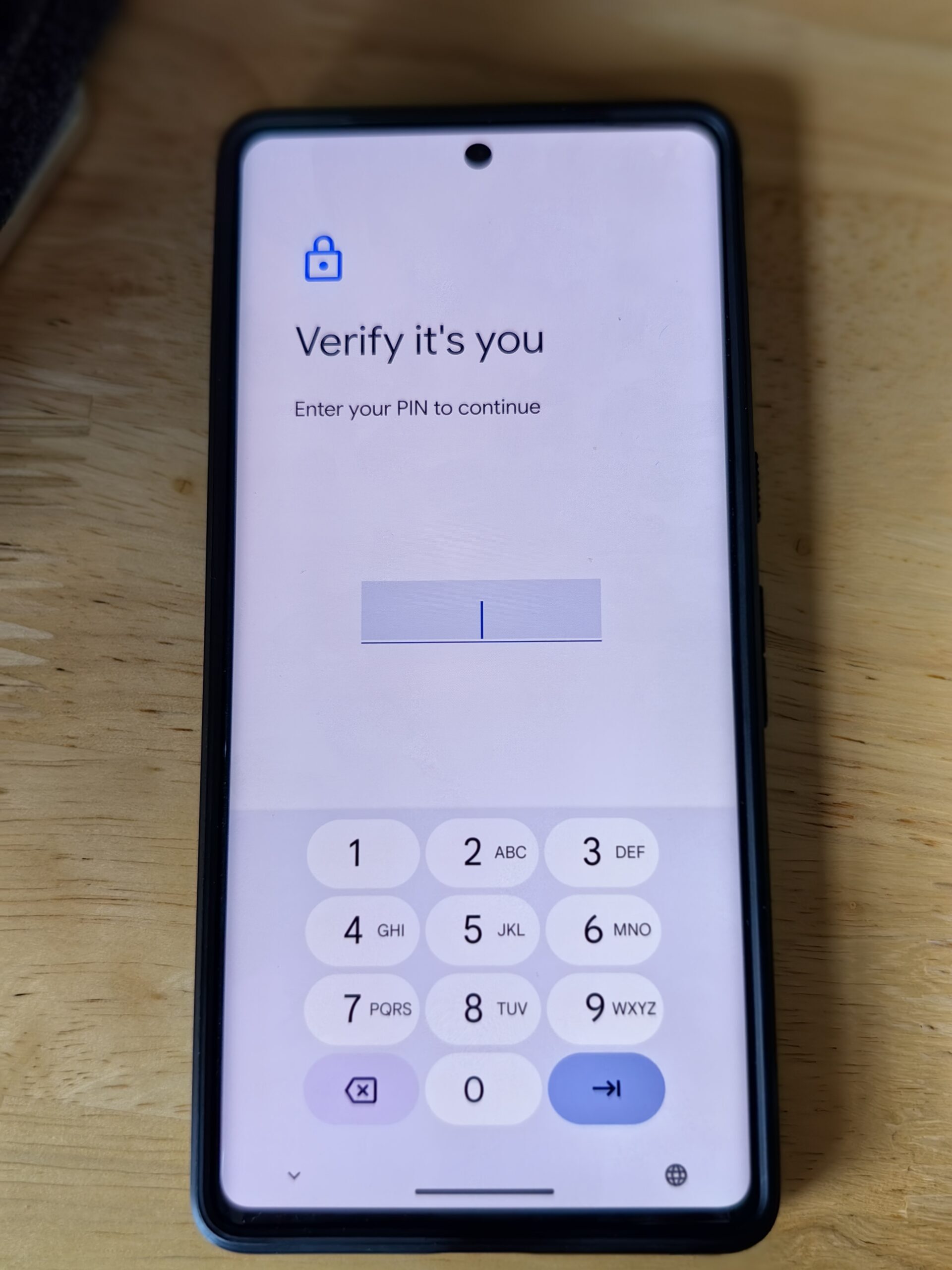
Android 17 introduces a powerful new lock screen safeguard that could frustrate anyone trying to break into your phone by guessing your PIN or password. The update drastically reduces the number of failed attempts allowed before the device locks you out, making brute-force attacks nearly impossible for attackers.
How the New Limits Work
Previously, Android devices allowed up to 1,800 incorrect PIN or password guesses over a five-year period, with generous short-term windows. For example, Android 16 permitted 10 guesses in the first minute, 20 within six minutes, 50 within 25 minutes, 110 over 24 hours, and eventually 1,800 over five years. That gave attackers plenty of room to try common combinations like birthdays, anniversaries, or popular PINs like '1234' or '0000'.
Starting with Android 16 QPR2 and fully implemented in Android 17, the system has been reworked. Now, the default limits are: six guesses in the first minute, seven within six minutes, eight within 25 minutes, 12 over 24 hours, and just 19 over five years. After the 20th incorrect attempt, no further guesses are permitted at all. That is a dramatic reduction from the previous 1,800-attempt cap.
Why the Change Matters
Security researchers have long warned that the old limits left phones vulnerable to what is known as a brute-force attack. An attacker who knows basic personal information about you—such as your birth year, anniversary, or common pattern—could systematically try hundreds of combinations until they hit the right one. With only 20 total attempts allowed, that risk is virtually eliminated.
The change also addresses a fundamental user behavior: many people choose memorable but weak PINs. Studies show that a surprisingly high percentage of users pick '1234', '1111', '0000', or digits from their date of birth. Attackers often start with these common choices. Under the new system, even if someone knows your birthday and tries it first, they still have only 19 more attempts before the device permanently locks them out.
Duplicate-Guess Exemption
Google acknowledges that legitimate users can accidentally enter the same wrong PIN multiple times, especially if they are tired or distracted. To prevent those duplicates from eating into the limited attempts, Android 17 includes a duplication exemption. If you repeat the same incorrect PIN consecutively, the system ignores those duplicate entries and does not count them toward the failed-attempt limit. A dedicated message explains why the attempt was not counted, reducing confusion.
This feature is a thoughtful touch that balances security with usability. Without it, an accidental double-tap or memory lapse could quickly drain the 20 attempts, locking the owner out and requiring a factory reset or recovery process.
Improved Lockout Messages
During lockouts, Android 17 now displays user-friendly messages. Instead of showing a countdown in seconds like 'Try again in 1800 seconds', the lock screen will show 'Try again in 30 minutes'. This reduces user anxiety and prevents confusion about how long they must wait. The same improvement applies to all lockout durations, making the experience more intuitive.
Recovery Shortcut on Lock Screen
Finally, Android 17 adds a recovery shortcut directly on the lock screen. After a certain number of failed attempts, users will see an option to begin account recovery from another device. This provides a quick escape if a user genuinely forgets their PIN and cannot wait out the lockout. It also helps differentiate between a legitimate user and an attacker—the attacker would likely not have access to the owner's recovery options.
Background: The Evolution of Android Lock Screen Security
Lock screen security has been a gradual process for Android. Early versions relied on simple numeric PINs or pattern locks, which were easily guessable. Over the years, Google introduced stronger authentication methods like fingerprint sensors, face unlock, and even iris scanning (on some devices). However, the fallback PIN or password remained a weak point because of the generous guess limits.
In Android 6.0 Marshmallow, Google introduced the concept of a 'trust agent' that could automatically unlock the device under certain conditions, but the underlying brute-force protection remained relatively weak. Third-party apps also tried to add extra layers, but nothing compared to the system-level changes in Android 17.
iOS, by contrast, has long had stricter policies. For example, after 10 incorrect passcode attempts on an iPhone, the device can be set to wipe all data. Android 17's approach is different—a hard lockout rather than data wipe—but similarly effective at preventing unauthorized access.
What This Means for Users
For the average Android user, these changes mean their phone is now significantly more resistant to physical attacks. If your phone is stolen or lost, the thief will have almost no chance of guessing your PIN unless they know exactly what it is. Even then, they have only 19 attempts before the device is permanently locked. Combined with the duplication exemption, legitimate users who occasionally forget their PIN are less likely to be locked out due to harmless mistakes.
However, there is a trade-off. If you truly forget your PIN and have no backup recovery method, you could be locked out permanently after just 20 attempts. Therefore, it is still crucial to set up account recovery options and remember your password. For those who use biometric unlocking (fingerprint or face), the PIN may rarely be needed, but it remains the ultimate key to the device.
Google's announcement during The Android Show: I/O Edition in May highlighted that these protections are part of a broader security overhaul. The company is also working on enhanced phishing protection, better sandboxing for apps, and tighter control over permissions. The lock screen changes are just one piece of a larger puzzle to make Android one of the most secure mobile operating systems.
Comparison with Other Platforms
With this update, Android now matches or exceeds the lockout policies of many enterprise-grade solutions. Microsoft's Windows 10/11, for example, allows administrators to set a maximum of 10 failed password attempts before locking the account, but this is often configurable. Android 17's fixed 20-attempt cap is similarly stringent but applied universally across supported devices, providing a consistent baseline security level.
For users who need even more security, Pixel devices already offer a 'Lockdown' mode that disables biometrics and forces PIN entry. Google has not yet announced whether that feature will be integrated with the new limits, but it is possible in future updates.
Implementation Details
The new rate limiting is enforced at the operating system level and applies to all lock screen types: PIN, password, and pattern (though patterns have additional constraints due to limited possibilities). The 20-attempt cap is a hard limit—after that, the device will not accept any further attempts, even after a reboot or power cycle. This prevents attackers from bypassing the lockout by restarting the phone or entering recovery mode.
Google's Mishaal Rahman, a well-known Android expert, confirmed the exact numbers through code analysis of Android 17. The changes were first spotted in beta versions and later confirmed in the stable release. Devices from manufacturers like Samsung, OnePlus, and Xiaomi will adopt these protections if they update to Android 17, though some may add their own customizations.
It is worth noting that older devices that do not receive Android 17 will remain on the previous, more lenient limits. Users with such phones are encouraged to update as soon as possible or take extra precautions such as using strong passwords and enabling auto-wipe after a certain number of attempts (available in many device settings).
In summary, Android 17's lock screen overhaul marks a significant step forward in mobile security. By drastically reducing the number of allowed attempts, introducing duplicate detection, and improving user feedback, Google has made it far harder for thieves or malicious actors to access your personal data. The update is a welcome addition for anyone concerned about physical device security, though it also serves as a reminder to keep your recovery options up to date.
Source: Android Authority News